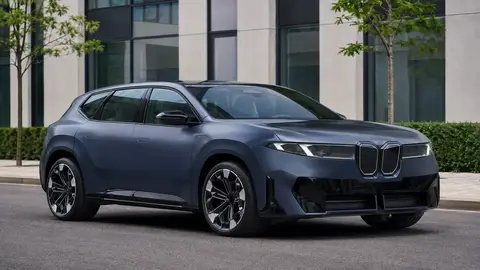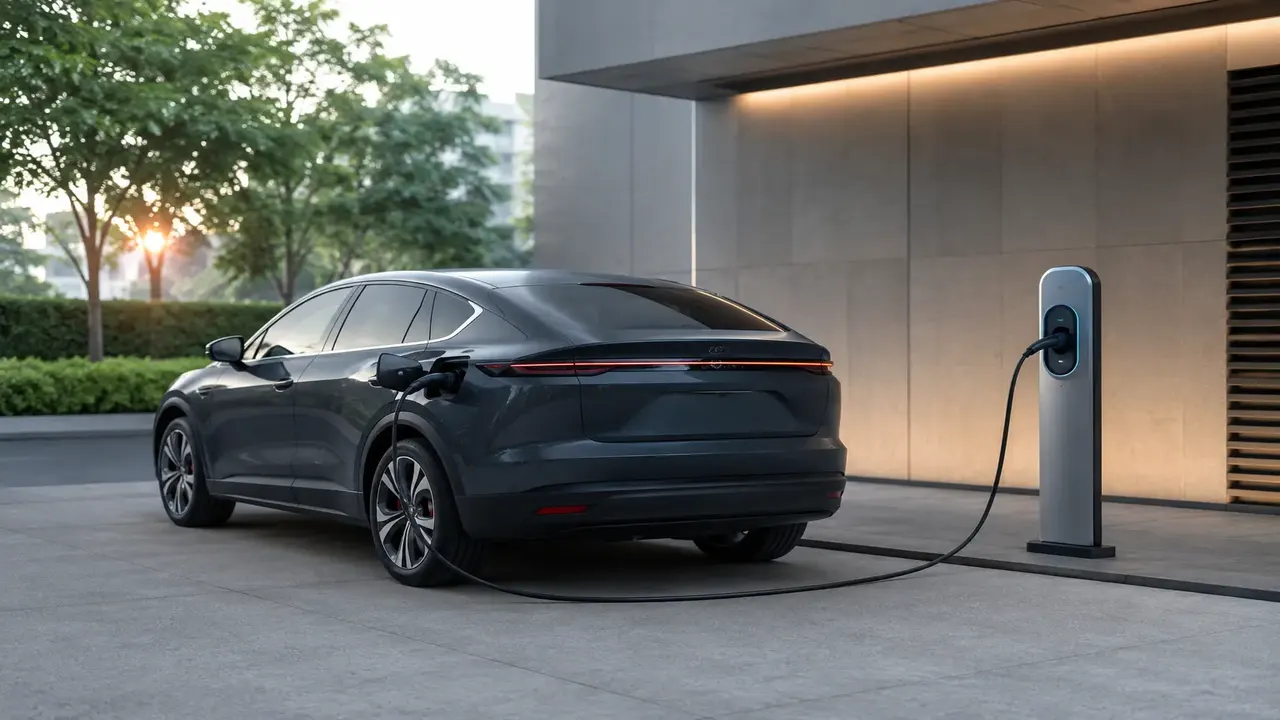
Public charging comes in two practical speeds: Level 2 (7-11 kW, roughly 4-10 hours for a full charge) for destination charging, and DC fast charging (50-350 kW, typically 10-80% in 20-40 minutes). By 2026, NACS (the Tesla-designed plug) has become the de facto standard across most new North American EVs and much of the fast-charging network, with CCS adapters still widely used for older EVs during the transition.
At a glance: charging levels
| Level | Power | Full charge time | Best use |
|---|---|---|---|
| Level 1 (120V) | 1.4-1.9 kW | 24-40+ hours | Emergency top-up only |
| Level 2 (240V) | 7-11 kW | 4-10 hours | Home, workplace, destination |
| DC Fast Charging | 50-350 kW | 20-40 min (10-80%) | Road trips, quick top-ups |
Charging levels explained
Level 1 uses a standard household outlet and is far too slow for regular public use. Level 2 is what you'll find at malls, hotels and workplaces — plan to leave the car for a few hours. DC fast charging is built for road trips: most EVs charge fastest between roughly 10-80%, after which the rate tapers sharply to protect the battery, so charging past 80% on a road trip often isn't worth the extra wait.
Plug types and the NACS shift
For years, North America ran two incompatible fast-charging plug standards — CCS (used by most non-Tesla automakers) and NACS (Tesla's proprietary connector, standardized as SAE J3400). Starting around 2024-2025, most major automakers announced a switch to NACS, and by 2026 many new EVs ship with a native NACS port while older CCS-equipped EVs use an adapter to access NACS stations, including much of Tesla's Supercharger network which has opened to other brands.
Finding a charger and reading the app
- Apps like PlugShare, Electrify America, ChargePoint and the automaker's own app show live station status, connector type, and per-kWh or per-minute pricing.
- Check recent user check-ins for reports of broken or occupied stalls before you drive there.
- Note the connector type shown matches your car's port (or that you have the correct adapter).
Step-by-step: a typical charging session
- Park close enough that the cable reaches the charging port without strain.
- Open the charging app or tap your RFID card/credit card reader at the station.
- Select the connector and confirm the session start on the app or the station's screen.
- Plug in fully until you hear/feel it latch; charging should begin within a few seconds.
- Monitor charge percentage via your car's app or the dashboard; most road-trip stops target 70-80%.
- End the session in-app (or it auto-stops at your set limit), then unplug and move your car promptly.
Charging etiquette and payment
- Move your car once charging completes — many networks now charge idle fees if you occupy a stall well past your session ending.
- Membership plans (e.g., a monthly network subscription) usually lower the per-kWh rate versus paying as a guest.
- Keep two payment methods (app + physical card) in case a station's card reader or app integration fails.
Try restarting the session from the app rather than the station screen, unplug and fully reseat the connector, and if it still fails, most networks have a 24/7 support line printed on the station — report the broken unit so it gets fixed for the next driver.
Frequently asked questions
Do I need an adapter to use a Tesla Supercharger in a non-Tesla EV?
How much does public EV charging cost?
Is it bad to charge to 100% every time?
What happens if I leave my car plugged in after it's fully charged?
Can I use any public charger with any EV?
Sources & further reading
- US DOE — Alternative Fuels Data Center: EV Charging
- Tesla — NACS Charging Standard
- US EPA — Electric Vehicles
Figures, prices and policy details were current at the last-updated date above. Automotive pricing, incentives and regulations change frequently — verify time-sensitive details with the linked primary sources. Read our editorial policy and fact-checking standards.