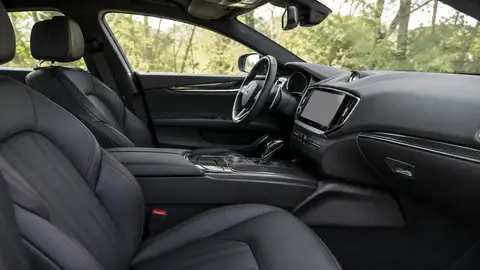
Clean EV touchscreens with only a dry or barely-damp microfiber cloth — never spray cleaner directly onto the screen, since liquid can seep into edge seals and reach electronics behind the display. Most large EV touchscreens use an oleophobic (fingerprint-resistant) coating that ammonia-based glass cleaners strip over time, so a screen-safe cleaner or plain water is safer. Set aside 5-10 minutes weekly for screens and glossy trim, since fingerprints and dust show far more on these surfaces than on traditional interiors.
At a glance
| Surface | Safe cleaning approach |
|---|---|
| Touchscreen/infotainment display | Dry or barely-damp microfiber only, no direct spray |
| Glossy piano-black trim | Microfiber + screen-safe cleaner, avoid ammonia |
| Wireless charging pad/ports | Dry cloth only, no liquid near openings |
| Seats and carpet | Same as any interior — vacuum + upholstery cleaner |
| Frunk/exterior charge port | Wipe dry, keep port cover closed when not charging |
Why EV interiors need different rules
EVs typically replace physical buttons and gauges with large capacity touchscreens, glossy trim panels and capacitive controls, all of which are more sensitive to cleaning chemicals and physical pressure than the durable plastic and vinyl surfaces in older combustion interiors. A cleaning routine built for a 2010s interior can dull screen coatings, streak glossy trim, or in worst cases let moisture reach connectors behind the dash.
Cleaning the touchscreen safely
- Power down the screen if possible, or at least avoid cleaning mid-use to prevent accidental inputs.
- Wipe with a dry, clean microfiber cloth first to remove dust and loose grit.
- For fingerprints or smudges, lightly dampen the cloth with water or a dedicated screen-safe cleaner — never spray liquid directly onto the screen or its edges.
- Wipe in straight lines rather than circles to avoid pushing grit across the coating.
- Dry with a second clean microfiber cloth to prevent streaking.
Never use ammonia-based glass cleaner, alcohol wipes, or paper towels on a touchscreen — ammonia and alcohol strip the oleophobic coating over time, and paper towels can create micro-scratches that show up as a permanent haze under sunlight.
Glossy trim and piano black panels
Piano-black trim (common around EV center consoles and door panels) shows fingerprints, dust and light scratches more than any other interior material. A microfiber cloth with a small amount of interior detail spray, wiped in straight lines, keeps it clear without the fine swirl marks that build up from repeated dry-wiping the same panel.
Ports, pads and charging areas
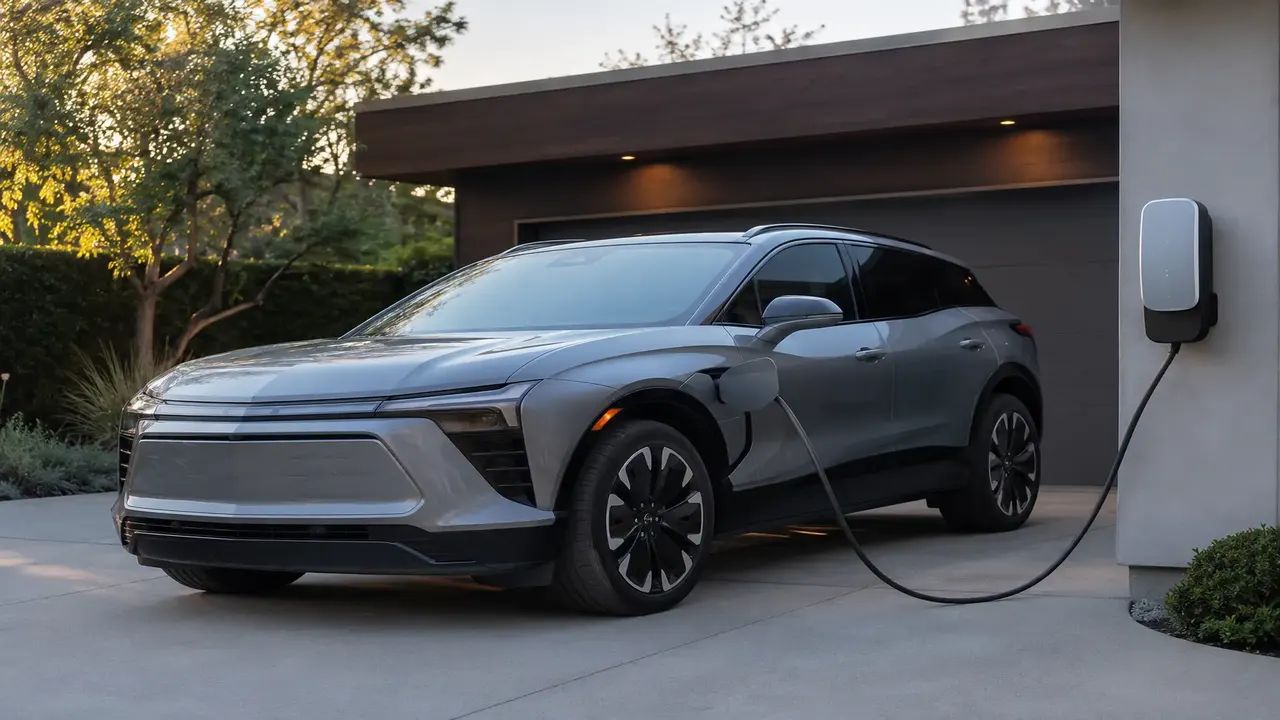
Wireless charging pads and USB-C ports should only ever be wiped with a dry cloth — liquid pooling in a charging tray or seeping into a port connector risks a short or corrosion. Keep the exterior charge port door closed when not actively charging to keep rain, dust and grit out of the connector pins.
General interior care still applies
Beyond the tech-specific surfaces, EV interiors still need the same basics as any car: weekly vacuuming, prompt spot-treatment of spills, and periodic deep cleaning of seats and carpet. The tech layer is what changes the routine, not what replaces it.
Frequently asked questions
Can you use Windex on a car touchscreen?
How do you clean fingerprints off an EV touchscreen?
Is it safe to spray cleaner directly on a car screen?
What cleans piano-black trim without scratching it?
Can moisture damage a wireless charging pad in an EV?
Sources & further reading
Figures, prices and policy details were current at the last-updated date above. Automotive pricing, incentives and regulations change frequently — verify time-sensitive details with the linked primary sources. Read our editorial policy and fact-checking standards.