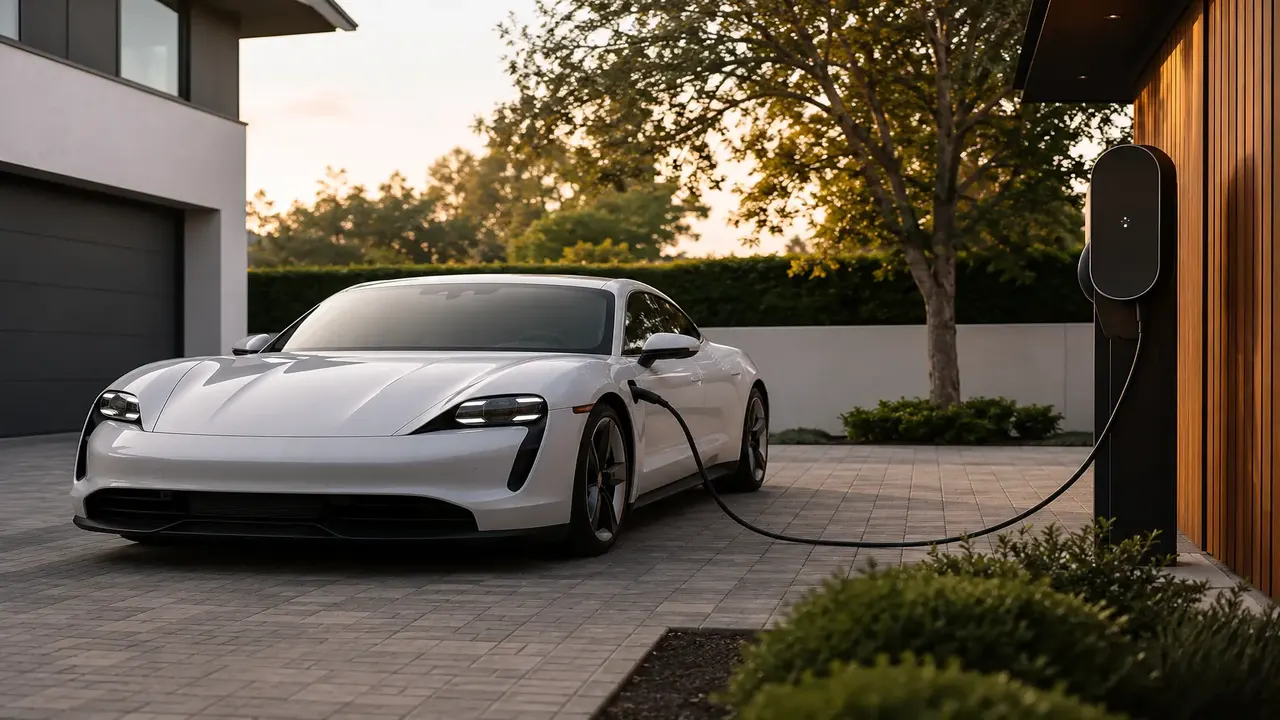
Wipe visible dust and debris from the charging port and the cable connector with a dry, lint-free cloth, and use a soft dry brush to clear anything lodged in the pins or recess. Avoid spraying water or cleaning solvents directly into the port — if it's genuinely dirty inside, use a can of compressed air rather than liquid. Always close the port's physical cover after charging to keep out rain, dust, and road grime, and if you see corrosion, bent pins, or a charge that repeatedly fails to start, have it inspected rather than continuing to force connections.
At a glance
| Task | How often |
|---|---|
| Visual check for debris/moisture | Every charge, takes seconds |
| Dry cloth/brush cleaning | As needed, roughly monthly in dusty/coastal climates |
| Professional pin inspection | If charging becomes intermittent or slow |
| Port cover check | Every time, close it fully after unplugging |
Why the port gets dirty in the first place
The charging port sits exposed to road dust, pollen, and moisture every time it's open, and a cover left slightly ajar or a seal that's aged can let grime in over months of daily use. Coastal climates add salt-air corrosion risk to metal pins and contacts, and cold climates bring ice or condensation into the recess.
How to clean it safely
- Make sure the car isn't actively charging or plugged in before cleaning.
- Wipe the outer face and visible recess with a dry, lint-free microfiber cloth.
- Use a soft-bristle brush (an unused toothbrush works) to loosen any debris caught around the pins, working gently rather than jabbing at the connector pins.
- For deeper debris, a short burst of compressed air clears particles without introducing moisture.
- Wipe the cable connector itself the same way before plugging in, since debris on either side can cause a poor connection.
- Close the port cover fully once done charging — this is the single biggest preventative step against future buildup.
Don't spray water, WD-40, or cleaning solvents directly into the charging port — moisture or residue near the electrical contacts can cause corrosion or a poor connection, and some solvents can degrade the port's plastic and rubber seals.
Signs of a bigger problem than dust
- Visible corrosion (green/white residue) on the metal pins — usually needs professional cleaning or contact replacement rather than a DIY wipe-down.
- A pin that looks bent or pushed in — don't force a cable into a damaged port; get it inspected before it causes a bigger fault.
- Charging that starts slow, stutters, or fails intermittently even with a known-good cable and charger — can point to a connection issue inside the port rather than the charging station itself.
- Water pooling inside the port after washing the car or driving in heavy rain — check the cover seal for damage.
Winter-specific care
In freezing climates, check for ice buildup around the port cover before opening it, and avoid forcing a frozen cover open — a light de-icer spray made for locks (not directly into the port) or simply waiting for the car to warm slightly in a garage works better than prying at a frozen mechanism.
Frequently asked questions
Can I use a wet wipe to clean my EV charging port?
Why is my car charging more slowly than it used to?
Is it normal for the charging port to have some dust in it?
Should I close the charging port cover even for a quick top-up?
Sources & further reading
- U.S. DOE — Alternative Fuels Data Center, EV charging basics
- SAE International — EV connector standards (J1772/CCS)
Figures, prices and policy details were current at the last-updated date above. Automotive pricing, incentives and regulations change frequently — verify time-sensitive details with the linked primary sources. Read our editorial policy and fact-checking standards.