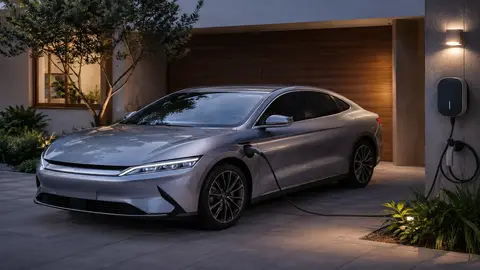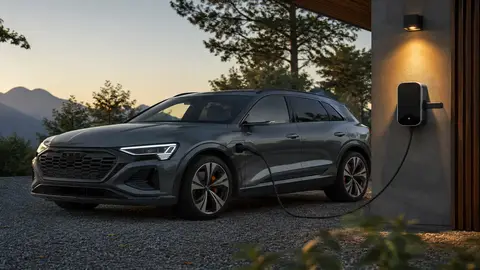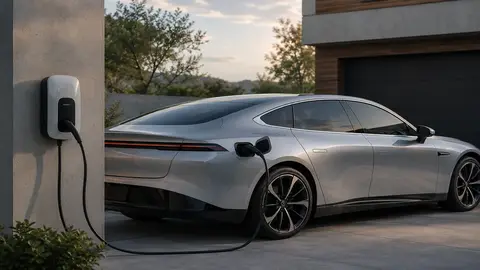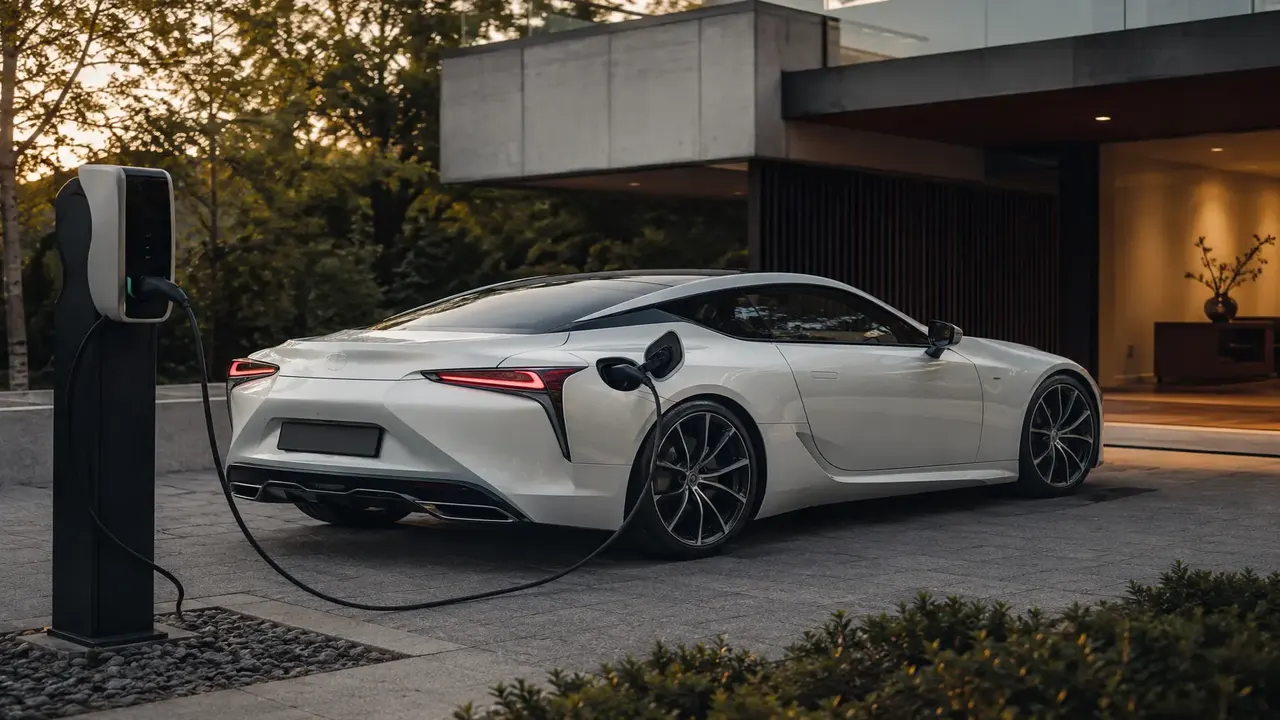
Most EV problems are not the big traction battery — they cluster around the humble 12V auxiliary battery, charging hiccups and software. A weak 12V battery is one of the most common reasons an EV won't wake up to charge or won't start, because it powers the contactors and charging logic. Charging refusals often come down to a poor connection, a dirty or damaged port, a bad cable, or a settings/scheduling conflict. Software glitches cause reboots, frozen screens or features dropping out, usually cured by an update or soft reset. When in doubt: try a different charger/cable, check the 12V battery, run the car's reset procedure, and contact support if a warning light persists.
Common EV issues at a glance
| Symptom | Likely cause | First action |
|---|---|---|
| Car won't wake / won't start | Flat 12V auxiliary battery | Jump the 12V (unplugged) or call assistance |
| Won't start a charge session | Connection, port, cable or schedule | Reseat plug; try another charger/cable; check schedule |
| Screen reboots / features drop out | Software glitch or 12V issue | Soft reset; install pending updates |
| Reduced power / warning light | Sensor, thermal or HV fault | Stop safely; read message; contact support |
The 12V battery: the EV's quiet weak point
It surprises new owners, but a large share of EV breakdowns trace back to the small 12-volt battery, not the high-voltage pack. The 12V system powers the computers, contactors and charging logic that 'wake' the car. If it is flat, the high-voltage system never switches on — so the car won't start, won't charge, and may sit unresponsive even with plenty of range showing.
Common causes include normal age-related wear, chronic deep cycling from always-on features (security cameras, sentry-style monitoring), extreme heat or cold, DC-DC converter faults, and software bugs that drain the 12V while the car sits — sometimes after an update.
What to do
- If the car is dead, the 12V battery is the prime suspect. It can be jumped like any 12V battery — but unplug the car from charging first, as jump-starting while plugged in risks a damaging short.
- If it goes flat repeatedly, have the 12V battery and DC-DC converter tested; a tired 12V battery is cheap to replace and prevents most lockouts.
- Turn off non-essential always-on features if the car sits unused for long periods.
Charging problems
Charging refusals are the second big category. The usual culprits are mundane: a poor physical connection, a dirty or damaged charge port, a worn or cheap cable, or a scheduling/settings conflict (a charge timer, a charge limit already reached, or a payment/auth issue on a public charger). Hardware and networks have improved, so the human factor — forgotten schedules, cheap cables, neglected maintenance — is now a leading cause of failed charges.
| Charging symptom | Likely cause | Fix |
|---|---|---|
| Charge won't start at home | Schedule/timer or limit reached | Check charge schedule and limit in app |
| Red ring / fault at the port | Bad connection or dirty port | Reseat plug; inspect and clean port |
| Public charger rejects session | Auth/payment or charger fault | Retry, use app/RFID, try another stall |
| Slow AC charge but DC works | Onboard charger or 12V issue | Test 12V; have onboard charger checked |
| Intermittent stops | Faulty cable or loose connector | Try a different cable/charger |
A simple charging troubleshooting order
- Check the app and car for a schedule, charge limit or fault message.
- Reseat the connector firmly; inspect the port for dirt, debris or damage.
- Try a different cable, then a different charger, to isolate the fault.
- Restart the charger and the car (soft reset).
- If only AC charging fails while DC works, suspect the 12V battery or onboard charger and seek service.
Software glitches
As cars become rolling computers, software issues are now among the most common complaints. Symptoms include infotainment reboots mid-drive, a flickering cluster, frozen screens, or accessories like HVAC cutting out. Most are minor and clear with a software update or a soft reset (the steering-wheel-button or screen reset procedure in your handbook). Keep the car updated: makers fix bugs, and an outdated build is a frequent cause of niggles.
A flickering screen is an annoyance; a 'reduced power', 'service powertrain' or high-voltage warning is not. If the car warns of a powertrain, battery or thermal fault, slow down, pull over safely, read the message, and contact roadside assistance or the manufacturer. Don't keep driving a car flagging a battery or cooling problem — inaction can worsen the damage and may affect your warranty.
Other faults owners report
- Reduced range or charging speed: often a cold battery (precondition it) rather than a fault; persistent loss warrants a State-of-Health check.
- Brake noise or a dragging wheel: rust on little-used brakes and sticking calipers are common on EVs.
- Phantom drain while parked: sentry/monitoring modes and frequent app pings; disable non-essentials for long stays.
- Module communication errors / ICCU faults: on some models the integrated charging unit can fault, causing charging or starting issues — a dealer matter, often covered by warranty.
When to DIY and when to call
You can safely reseat a plug, swap a cable, jump a 12V battery (unplugged), run a soft reset and install updates. You should not open the high-voltage pack, handle orange high-voltage cables, or attempt traction-battery work — that is specialist, dangerous and warranty-voiding. For any persistent warning light, recurring 12V failure, or charging fault you can't isolate, contact the manufacturer or an EV-savvy workshop.
Frequently asked questions
Why won't my EV start or wake up?
My EV won't charge — what should I check first?
Are EV software glitches dangerous?
Can I jump-start an electric car?
Are EVs less reliable than petrol cars?
Sources & further reading
- Recharged — EV 12-volt battery problems: symptoms & fixes
- Midtronics — Diagnosing EV powertrain faults
Figures, prices and policy details were current at the last-updated date above. Automotive pricing, incentives and regulations change frequently — verify time-sensitive details with the linked primary sources. Read our editorial policy and fact-checking standards.