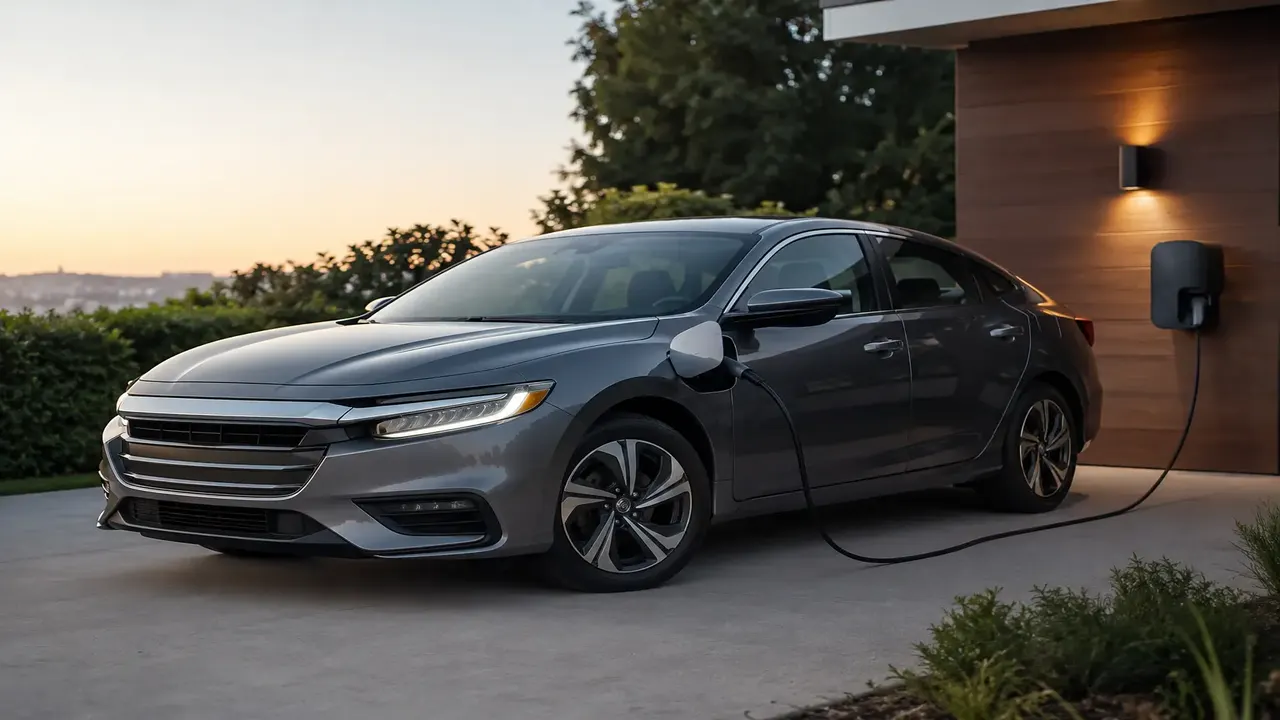
A useful EV charging locator filters by connector type (CCS, NACS, CHAdeMO, Type 2), charging speed (Level 2 at 7-22 kW vs. DC fast at 50-350 kW), and — critically — live status, because a meaningful share of public fast chargers are faulty, offline or blocked at any given moment, and the J.D. Power charging satisfaction studies have found failed charging attempts to be a persistent complaint. Always plan a backup station within range for any trip-critical stop.
At a glance
| Charger tier | Speed | Typical use case |
|---|---|---|
| Level 1 (home, 120V) | 1.4 kW | Overnight top-up, rarely used publicly |
| Level 2 (public/destination) | 7-22 kW | Shopping centers, workplaces, hotels |
| DC fast (Level 3) | 50-150 kW | Highway travel, quick top-ups |
| Ultra-fast/hyperchargers | 150-350 kW | Newer high-power-capable EVs |
Why a simple pin-on-a-map isn't enough
Early charging apps just showed a location. A genuinely useful locator now needs to answer four questions at a glance: does this station support my connector, how fast can my specific car actually charge here, is it working right now, and is it likely to be occupied when I arrive. Missing any of these turns a 10-minute stop into an hour of frustration.
Connector compatibility first
In North America, CCS1 remains widespread on the existing EV fleet while NACS (the format Tesla pioneered) is becoming the new standard connector for most manufacturers' upcoming models, with adapters bridging the gap during the transition. In Europe, the UK and much of Asia, CCS2 dominates DC fast charging with Type 2 for AC. CHAdeMO, once common on early Japanese EVs, is being phased out of new vehicle support though existing stations remain in use. Filtering by your car's actual connector before anything else avoids wasted detours.
Speed: match the charger to the trip, not the biggest number
For daily errands, a Level 2 charger at a shopping center or workplace (adding roughly 20-30 miles of range per hour) is plenty since the car sits parked anyway. For a road trip, only DC fast charging is practical, and even then, your car's own peak charge rate (often 100-250 kW depending on model) — not the station's maximum rating — is usually the real bottleneck once the battery passes about 50% charge.
Real-time status is the feature that actually saves trips
- Prefer locator tools or apps that show live station status (available/in-use/faulted) rather than a static directory, since fault rates on public fast chargers are high enough to plan around.
- Check recent user check-ins or comments if the app supports them — a station showing 'available' in the system can still be physically blocked by a non-charging vehicle or have a broken payment terminal that user reports catch faster than network dashboards.
- Cross-reference at least one backup station within a reasonable detour distance for any charge that's essential to completing your trip.
- Note whether the station requires a network-specific app or RFID card versus accepting tap-to-pay — carrying 2-3 major network apps installed removes a common last-minute blocker.
Rural and less-dense-network areas
Coverage remains uneven — dense urban corridors and major highways in the US, UK and much of the EU have relatively robust fast-charging networks, while rural areas and many emerging EV markets (including large parts of India, where public charging infrastructure is still scaling rapidly) have sparser coverage. In those areas, route-planning apps that factor in elevation, weather and charger reliability are far more valuable than a simple locator, and carrying a portable Level 1/2 charging cable for destination charging becomes more important.
Multiple charging apps and networks list the same physical station with different names or slightly different pin locations, which can send you to the wrong side of a large parking structure. Cross-check the station's exact bay/unit number, not just the general address, when precision matters.
Frequently asked questions
What's the fastest way to find a working charger on a road trip?
Why do some chargers show as available but don't actually work?
Do I need different apps for different charging networks?
Is it worth paying for a charging network membership?
How far in advance should I plan charging stops on a long trip?
Sources & further reading
- U.S. DOE Alternative Fuels Data Center – Station Locator
- Zap-Map (UK) – Live EV Charge Point Status
- J.D. Power – 2024/2025 U.S. Electric Vehicle Experience Public Charging Study
Figures, prices and policy details were current at the last-updated date above. Automotive pricing, incentives and regulations change frequently — verify time-sensitive details with the linked primary sources. Read our editorial policy and fact-checking standards.