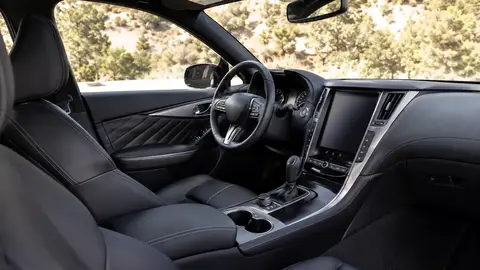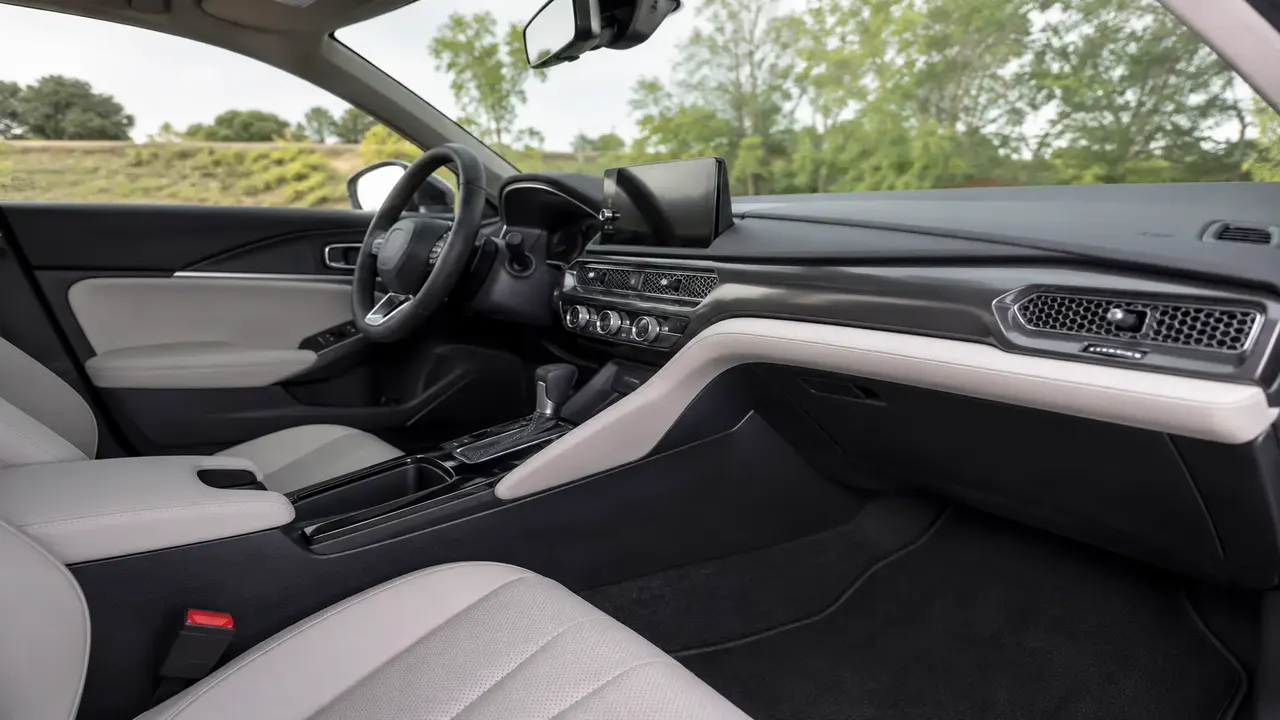
The infotainment systems that consistently score best in owner-satisfaction studies share three traits: wireless Apple CarPlay/Android Auto, native voice assistants that understand natural phrasing, and regular over-the-air (OTA) updates so the system improves after purchase. Google-built-in platforms (used by GM, Honda, and Renault), Hyundai/Kia/Genesis's ccNC system, and Tesla's proprietary UI are routinely cited as class leaders, while systems that bury basic controls (climate, volume) inside touch-only menus tend to rank lowest, regardless of screen size.
At a glance: what separates top-rated systems
| Factor | What top systems do well |
|---|---|
| Phone mirroring | Wireless CarPlay/Android Auto standard, not a paid option |
| Physical controls | Keep hard buttons/knobs for climate and volume alongside the screen |
| Voice assistant | Understands conversational requests ("I'm cold"), not just rigid commands |
| Update cadence | Meaningful OTA updates at least twice a year, not just bug fixes |
| Menu depth | Core functions reachable in 2 taps or fewer from the home screen |
Why infotainment rankings look different than they did five years ago
A decade ago, infotainment rankings were mostly about screen size and graphics. That's changed. Owner-satisfaction studies from firms like J.D. Power now weight response speed, voice-recognition accuracy, and how often the system needs a restart more heavily than resolution. A gorgeous 15-inch display running laggy software consistently scores below a plainer 8-inch unit that responds instantly — screen size is a marketing headline, not a reliability metric.
The systems that tend to rank highest
Google built-in (found in newer GM, Honda, and Renault/Nissan models) integrates Google Maps, Assistant, and the Play Store directly into the car, so navigation and voice search work even without a paired phone. Hyundai, Kia, and Genesis's ccNC platform is frequently praised for fast touch response and a clean split-screen layout that keeps climate controls visible. Tesla's proprietary interface ranks well for raw speed and update frequency, though it controls more functions than most drivers expect through the touchscreen, which some owners find distracting.
Where premium brands sometimes underperform
Several luxury manufacturers have struggled with capacitive-touch control panels that replace physical buttons entirely. Owner surveys repeatedly flag these setups for requiring too much attention while driving, even when the underlying graphics look premium. The lesson buyers take from this: expensive doesn't automatically mean easier to use.
What actually predicts a good day-to-day experience
- Wireless CarPlay/Android Auto that connects reliably on the first try, every time
- A dedicated volume knob or physical climate row, even on screen-heavy dashboards
- Over-the-air updates that add features, not just patch bugs
- A voice assistant that handles compound requests ("set the temperature to 70 and turn on the seat heater")
- Software that doesn't need a full reboot after a phone update or software glitch
Test it yourself before you decide
Specs sheets won't tell you if a system will annoy you in month three. Bring your own phone to the test drive, connect it, and try common tasks: change the radio station, adjust cabin temperature, and give the voice assistant a natural, unscripted request. If any of those take more than two steps or fail outright, that's a preview of daily frustration, not a one-off glitch.
Mistakes buyers commonly make
Judging a system purely by screen size, assuming a system praised in reviews from two years ago is unchanged (automakers push major software overhauls between model years), and skipping the voice-assistant test because it feels gimmicky in the showroom — it's one of the most-used features once you own the car.
Software quality can change significantly between model years without a visible redesign. Always check the infotainment version on the exact trim and model year you're considering, not just the nameplate.
Frequently asked questions
Is a bigger infotainment screen always better?
Which brands rank best for infotainment right now?
Does wireless CarPlay matter that much?
Why do some luxury cars have worse infotainment reviews than mainstream brands?
Can infotainment systems improve after I buy the car?
Sources & further reading
- J.D. Power — U.S. Tech Experience Index study
- Consumer Reports — In-car technology reliability and satisfaction
Figures, prices and policy details were current at the last-updated date above. Automotive pricing, incentives and regulations change frequently — verify time-sensitive details with the linked primary sources. Read our editorial policy and fact-checking standards.